The old workflow made every task feel equally complex
The previous application put configuration, signal tools and calculated data in front of the user at the same time. I reorganized the experience around the order clinicians actually work in, then gave each stage enough space to do its job.
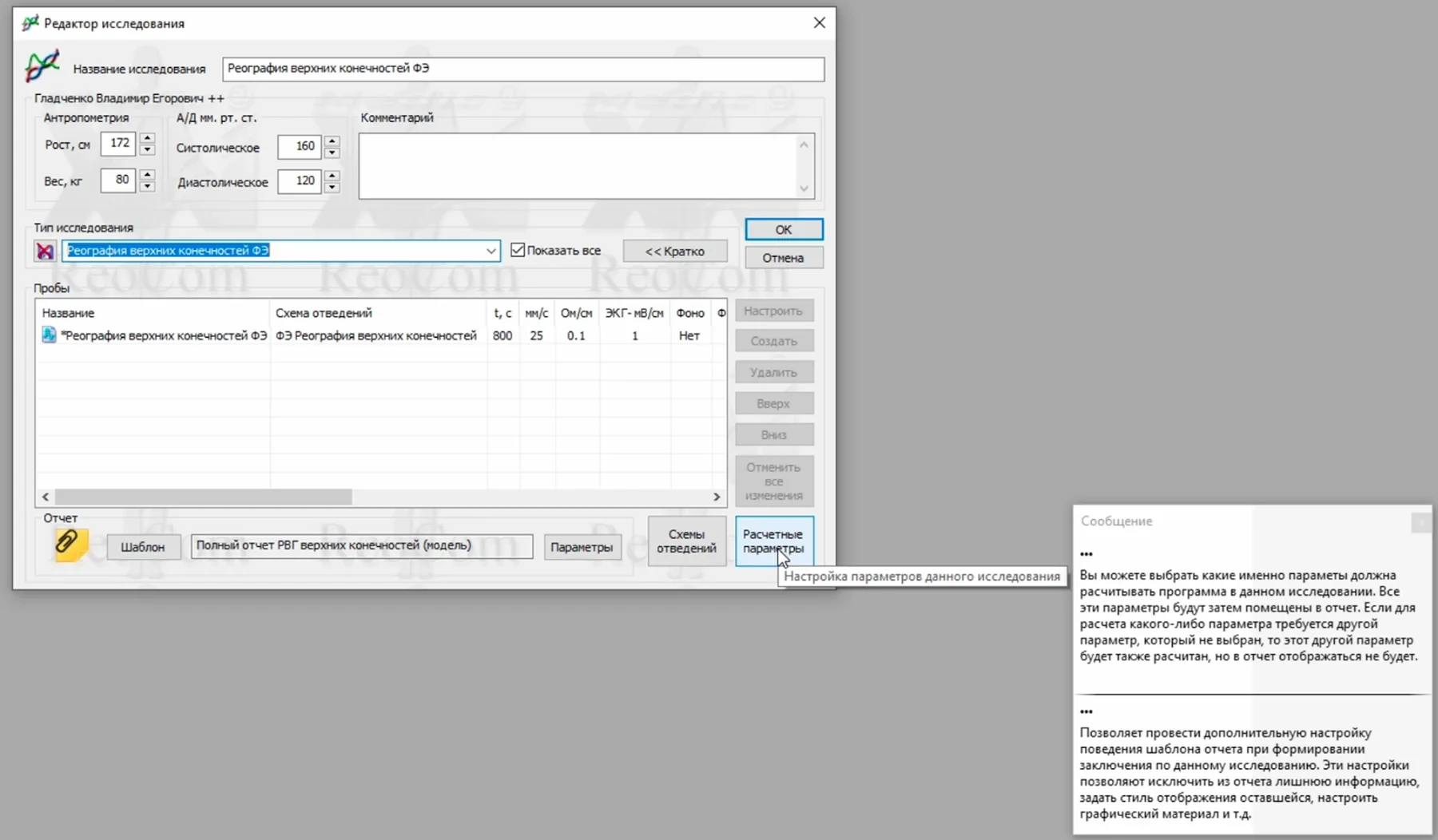
The specialist controls still had to stay available. I focused on when and where they appear instead of removing them.
Patient context, previous studies and recording states needed a much clearer connection.
During recording and analysis, the graphs deserve most of the screen. Navigation and controls can stay quieter.
Show complexity when it becomes useful
I kept specialist tools close to the task that needs them: setup controls before recording, capture controls during the study, and detailed processing tools in analysis.
I made the patient record the starting point for the study
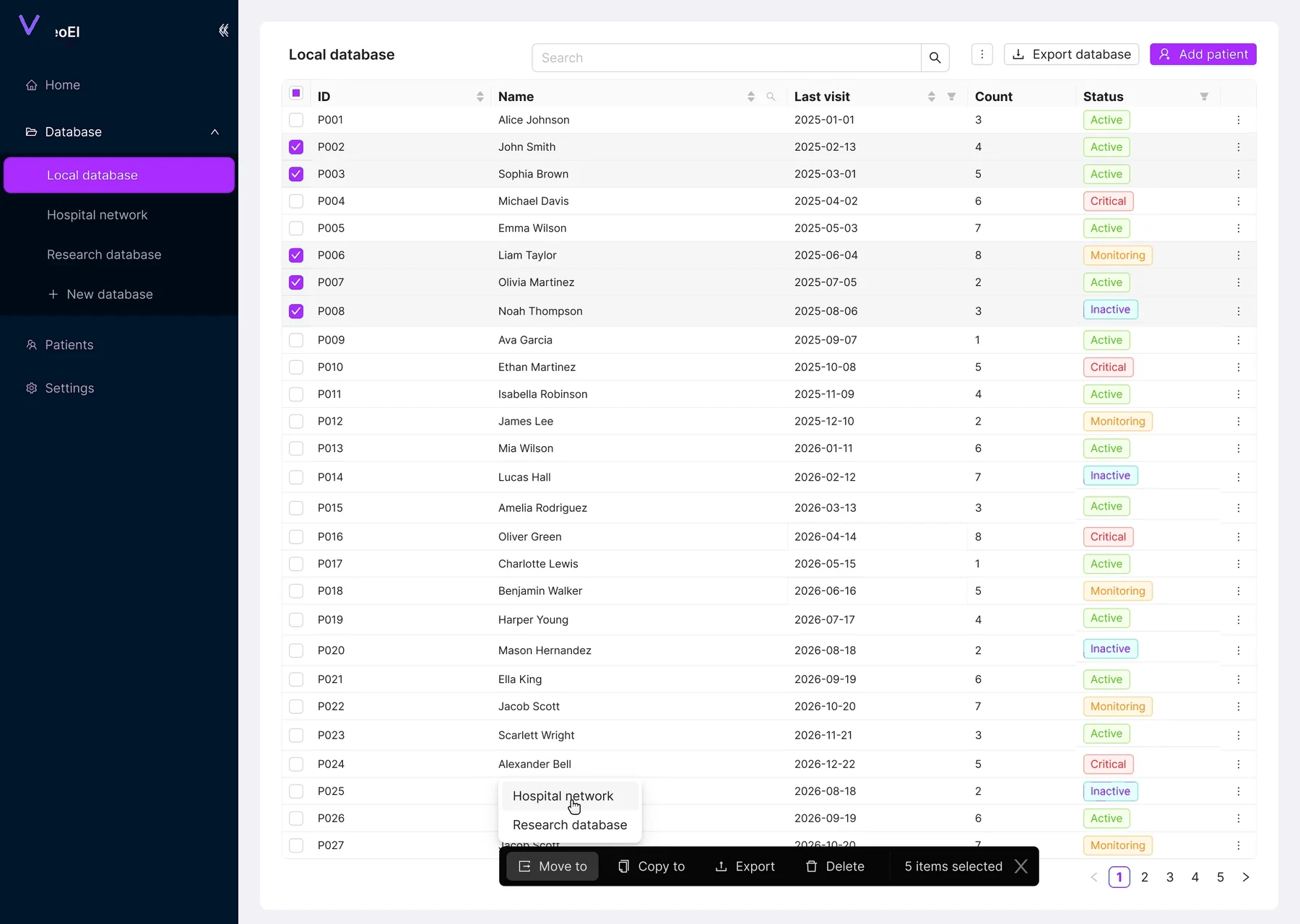
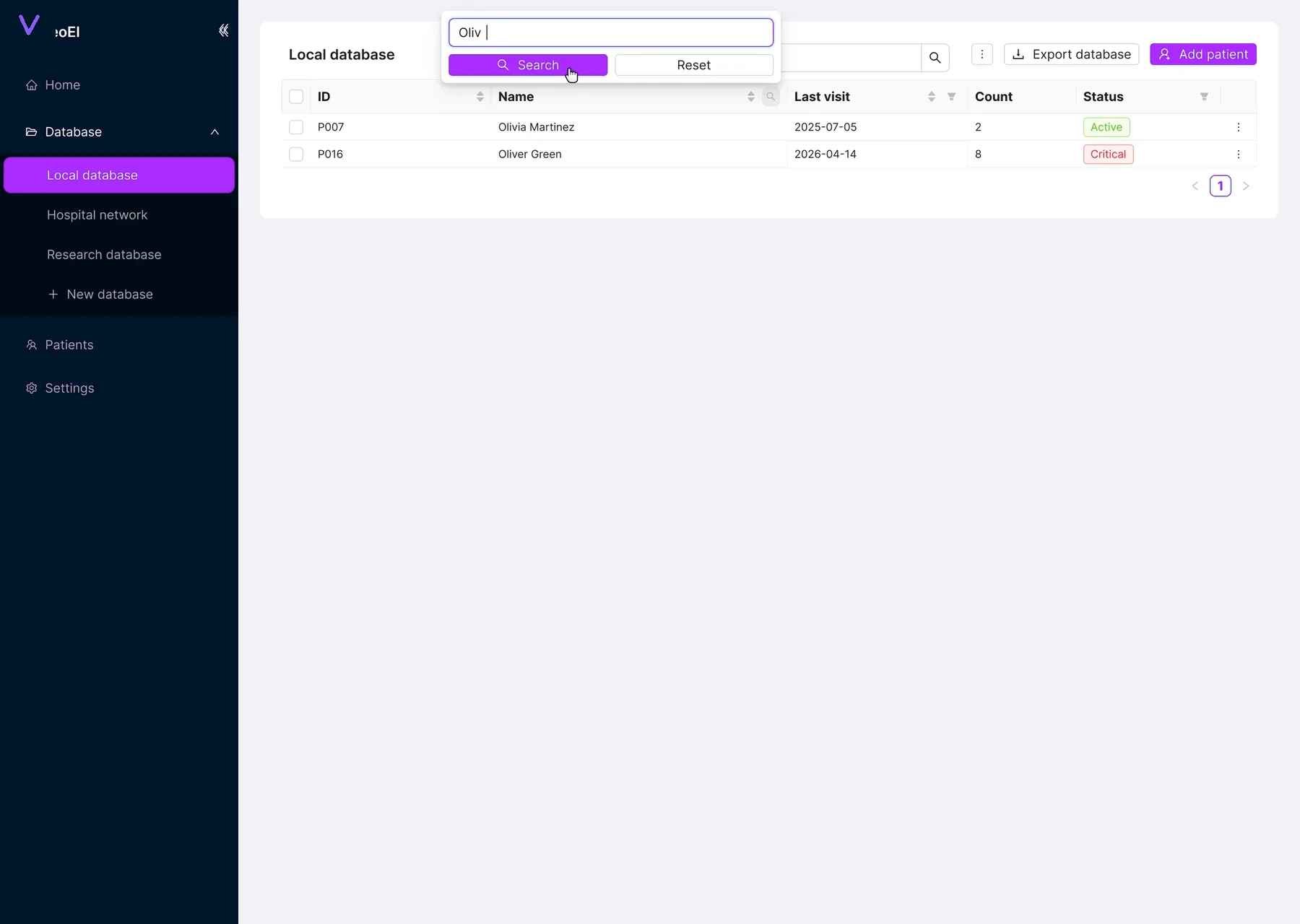
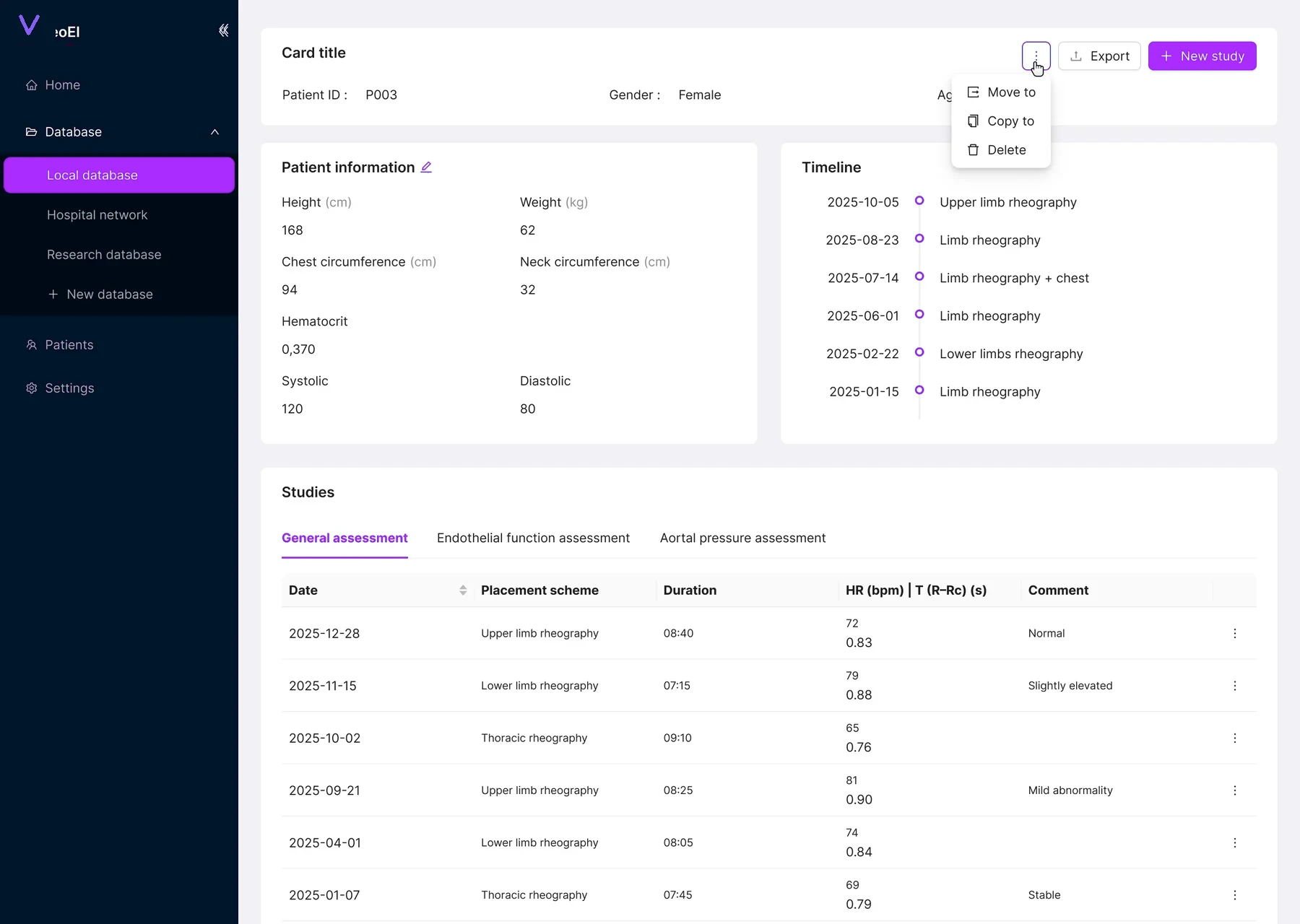
The database is where the workflow begins. Clinicians can find a patient, check previous studies, move or copy records when needed, and start a new study from the same context.
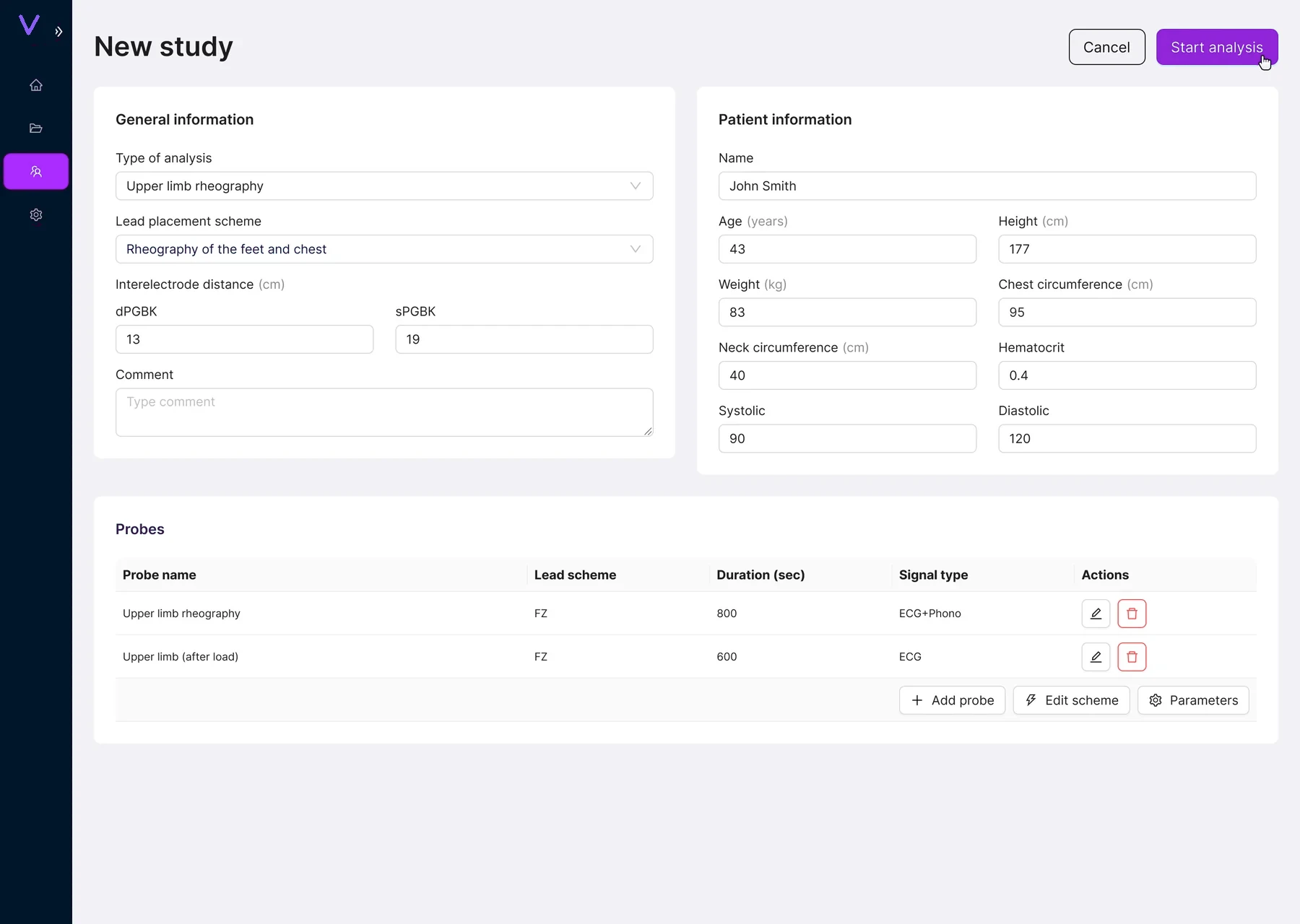
Study setup needed more room than a modal could give it
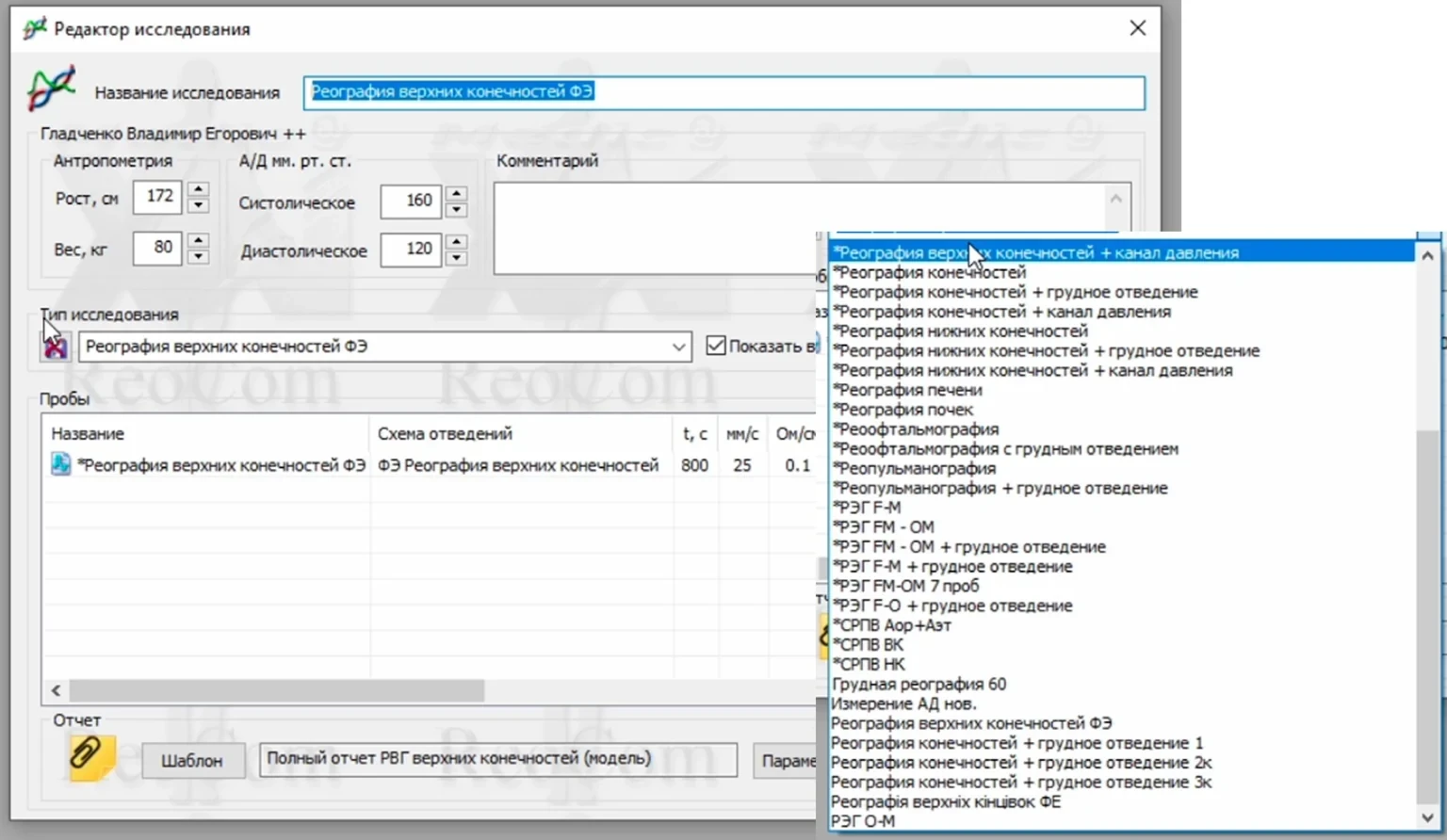
Study setup carries a lot of information: analysis type, lead placement, distances, patient measurements and probes. Moving it into a proper page made those relationships easier to scan and edit before recording starts.
Probe setup combines technical settings with a body reference
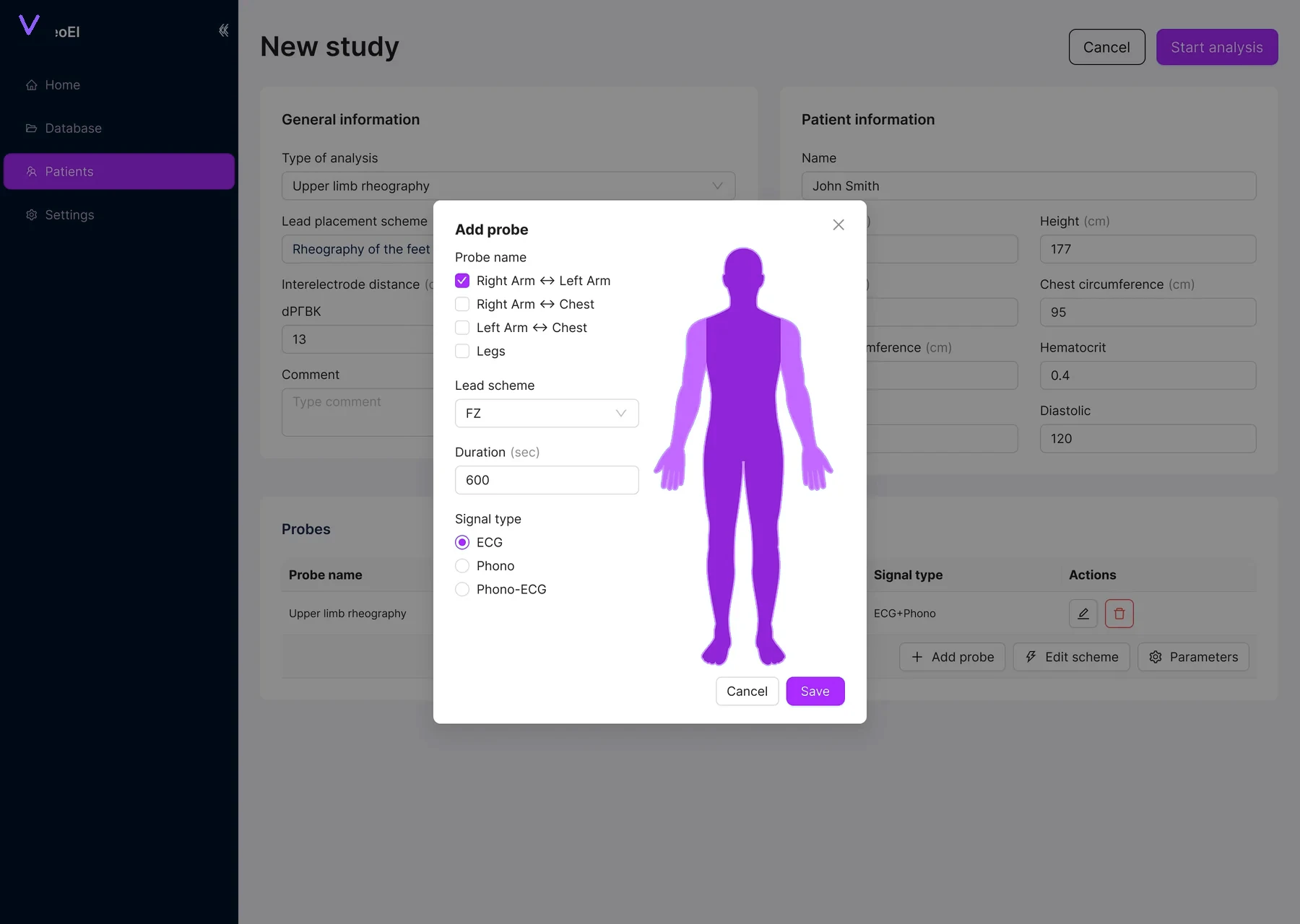
Placement and signal settings belong to the same decision. I kept them together so the clinician can see the body reference while choosing the lead scheme, duration and signal type.
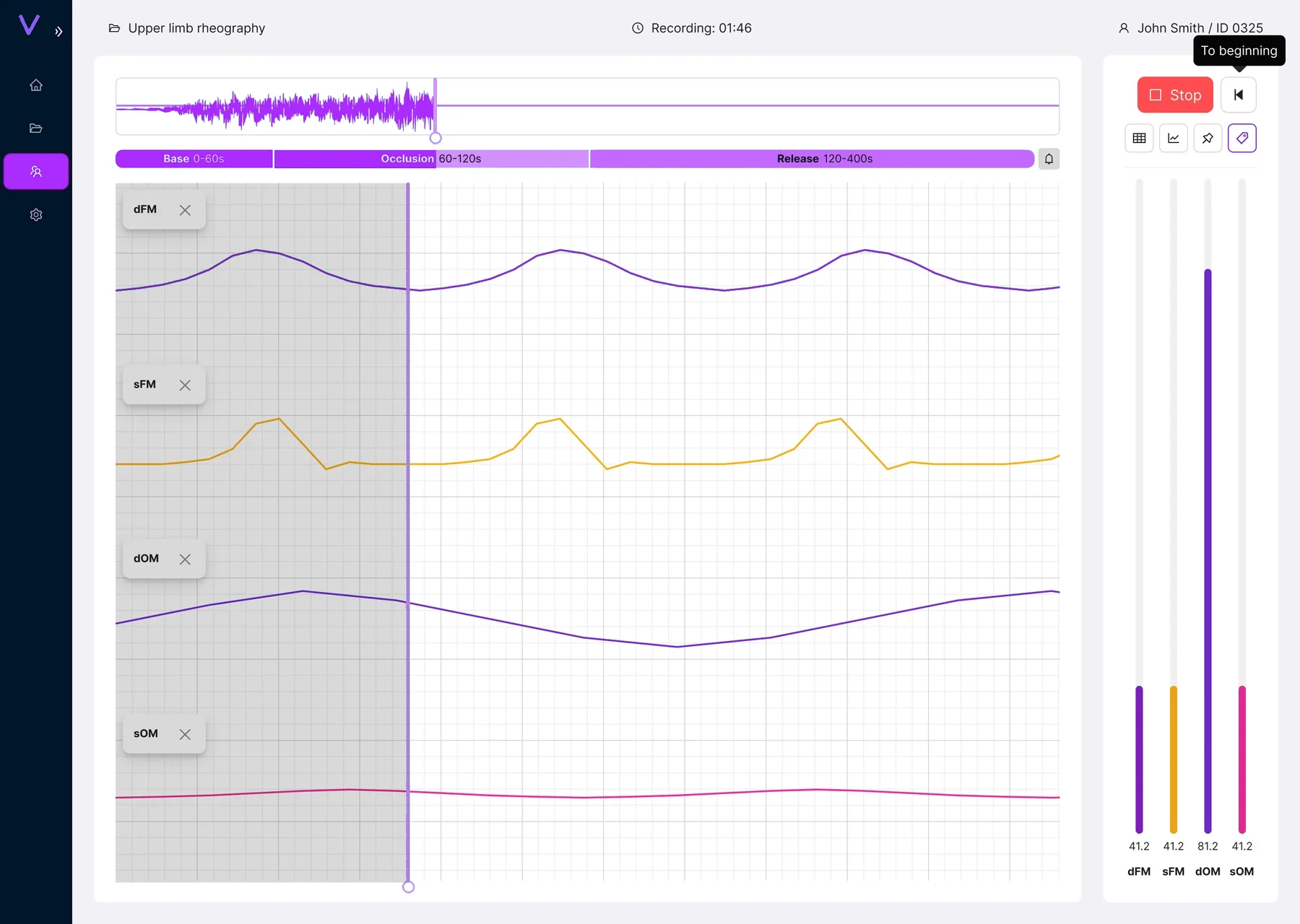
Recording is mostly about watching the signal
I gave synchronized channels most of the canvas. The overview at the top shows progress, the phase bar makes the protocol easy to follow, and the small control rail stays within reach without taking over the screen.
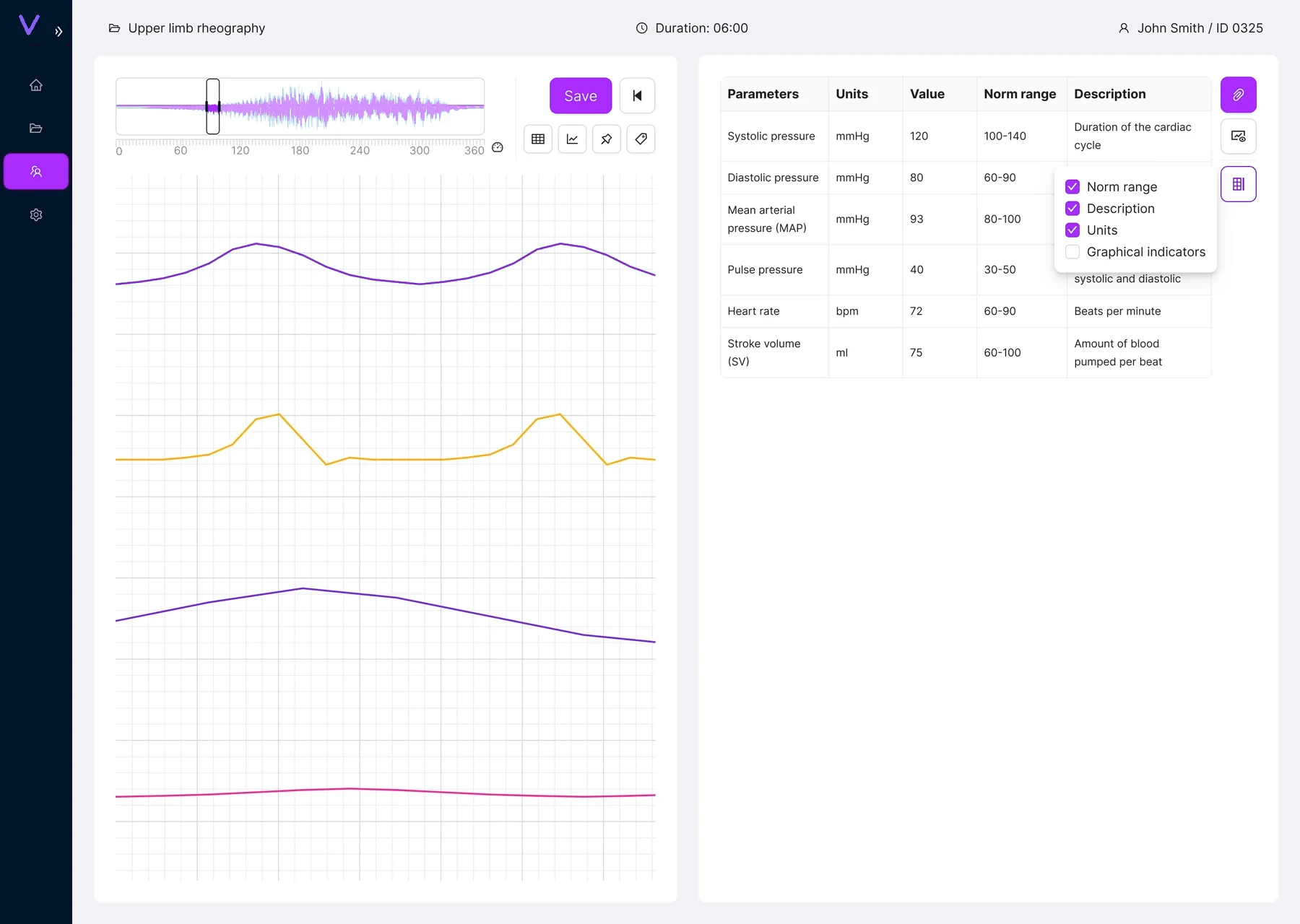
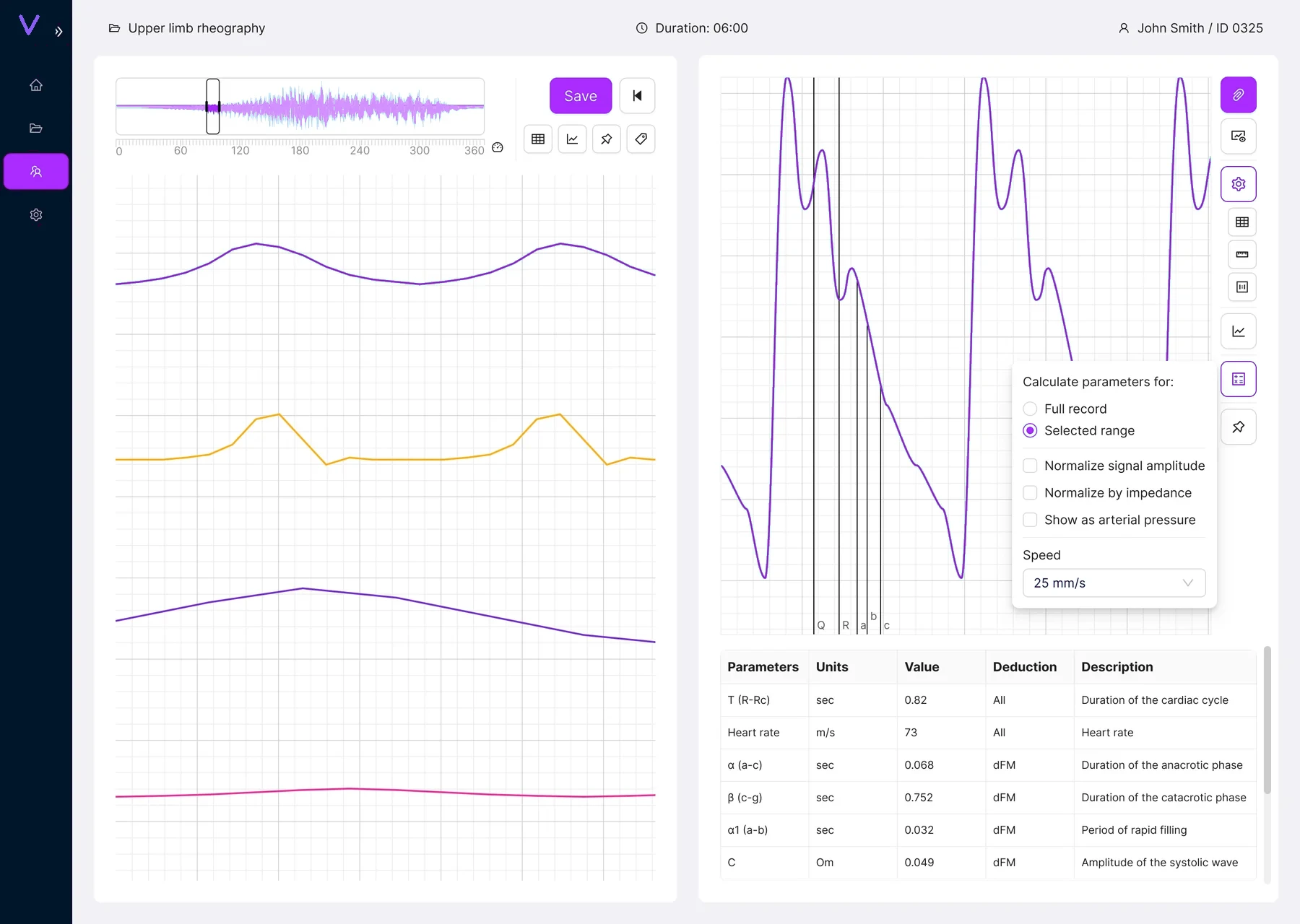
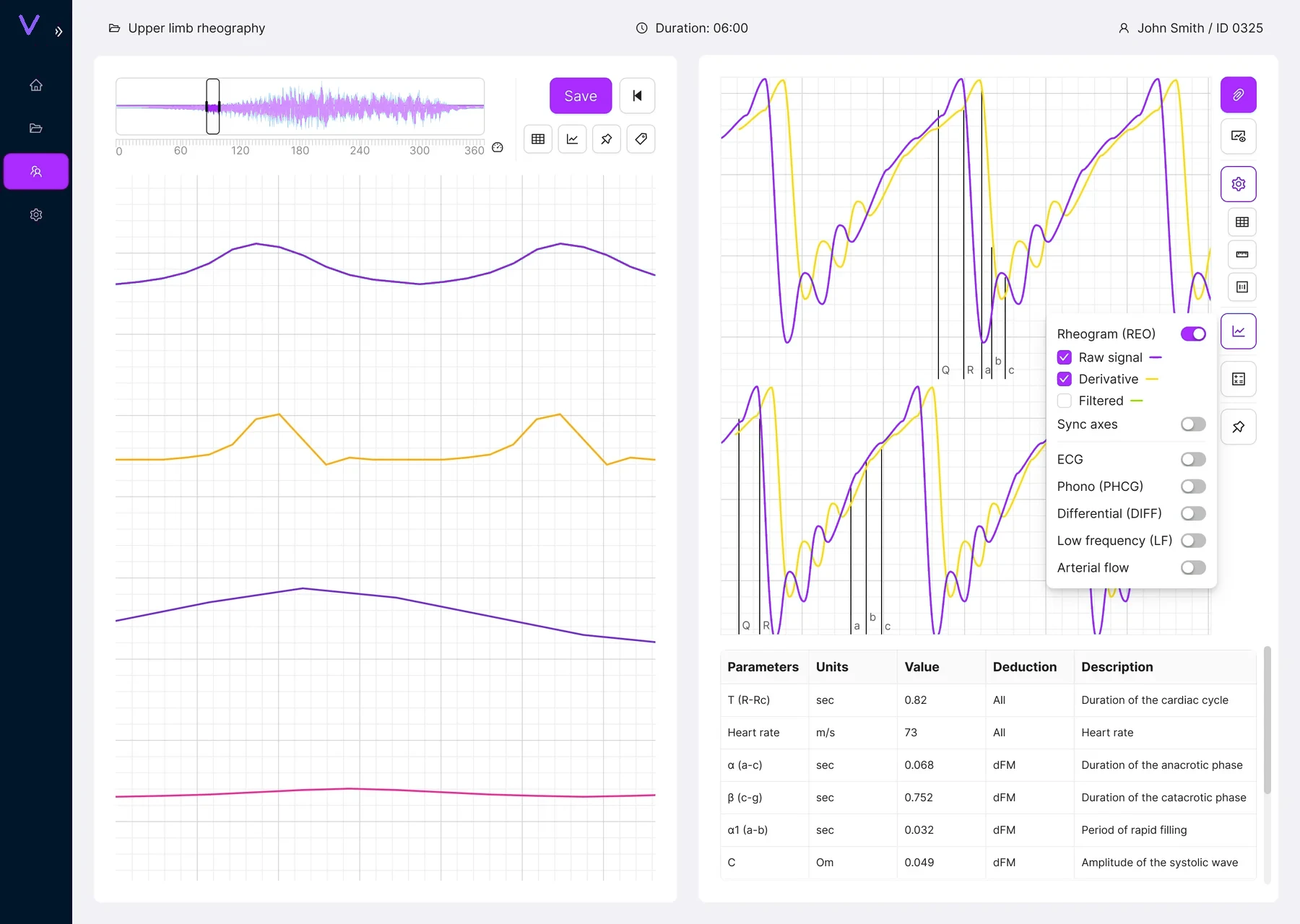
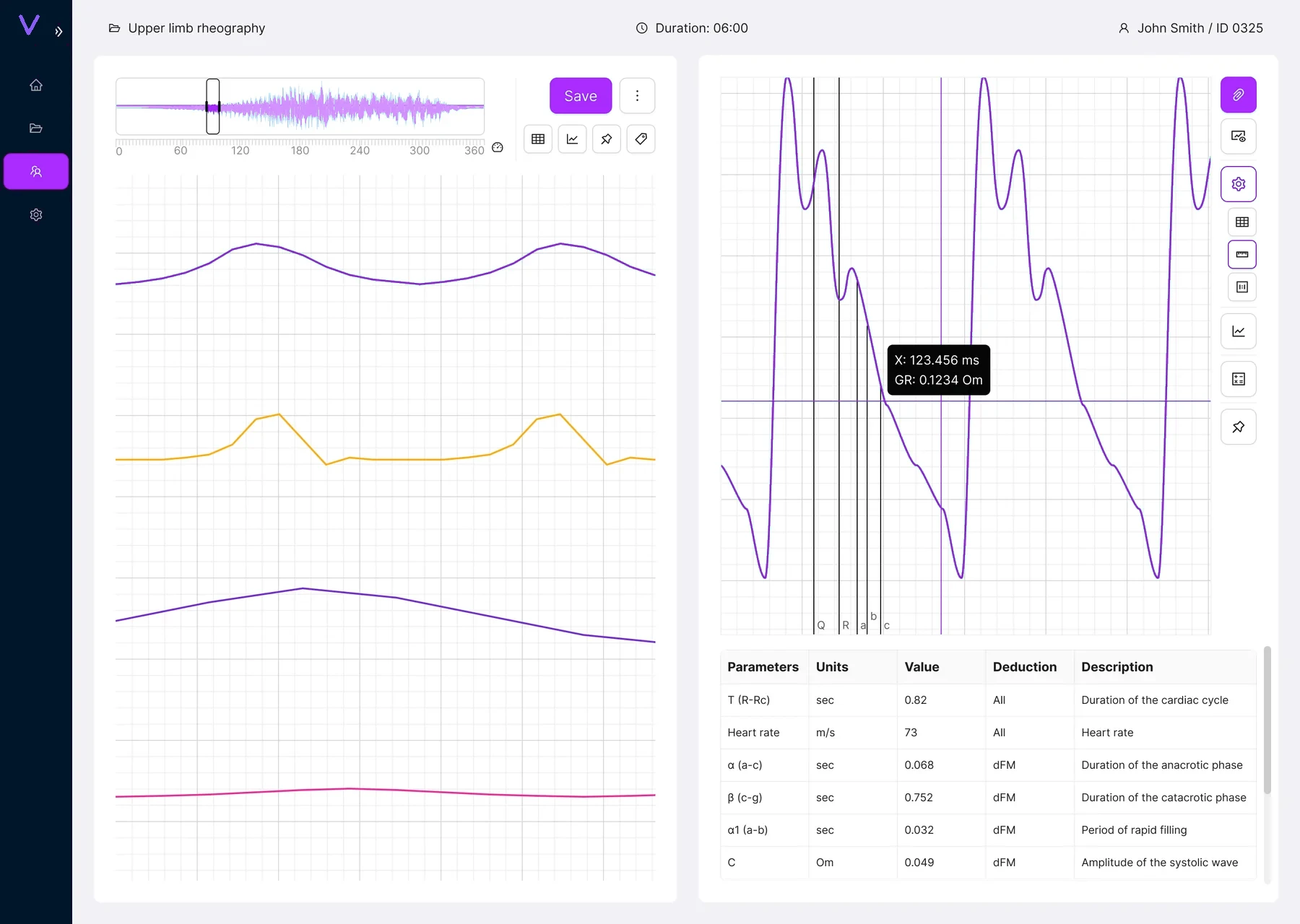
I kept the analysis canvas stable while the tools change around it
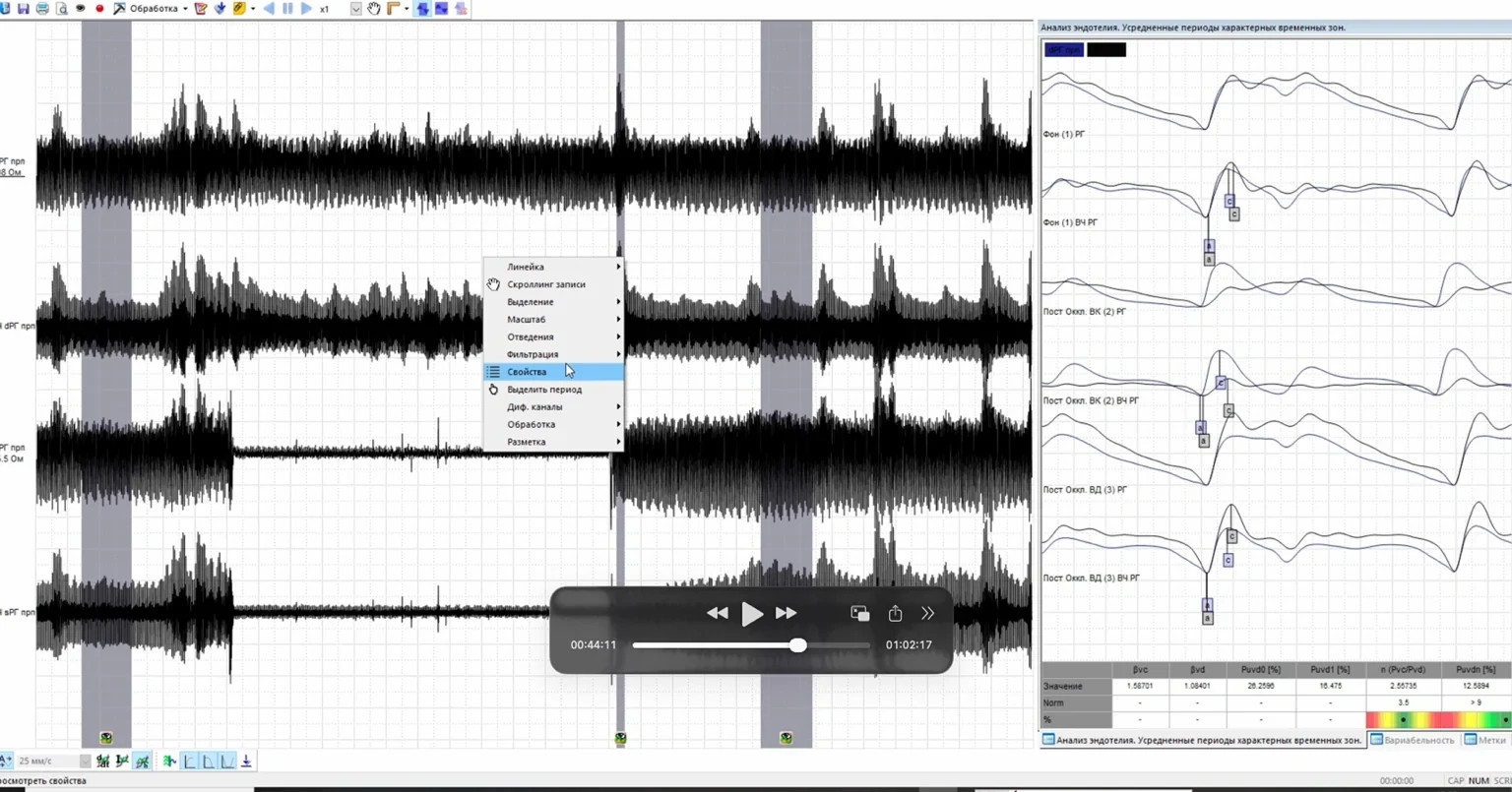
The recording stays visible while the right side changes with the task. Clinicians can check parameters, switch signal views, measure the graph or adjust calculations without jumping between separate windows.
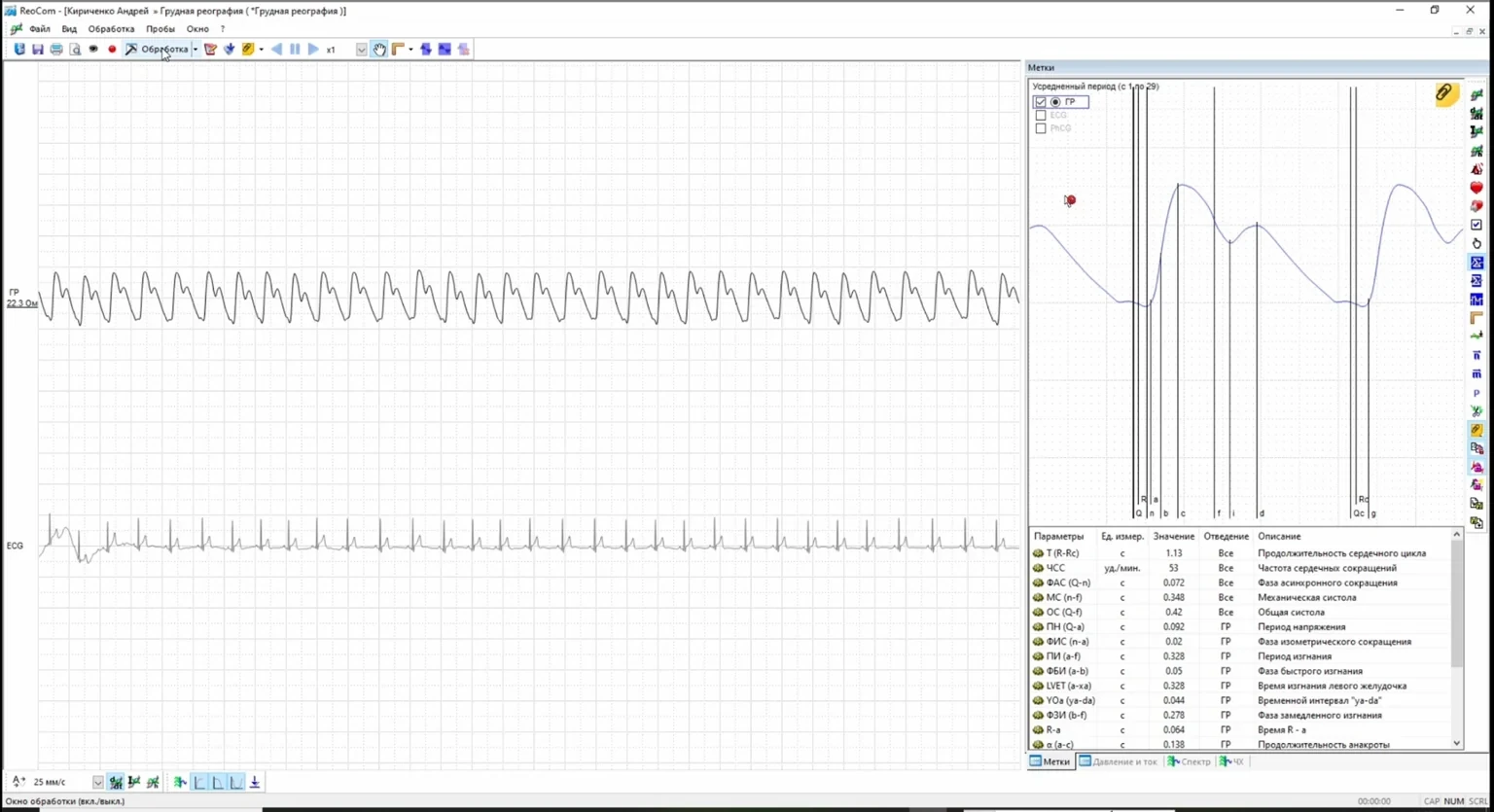
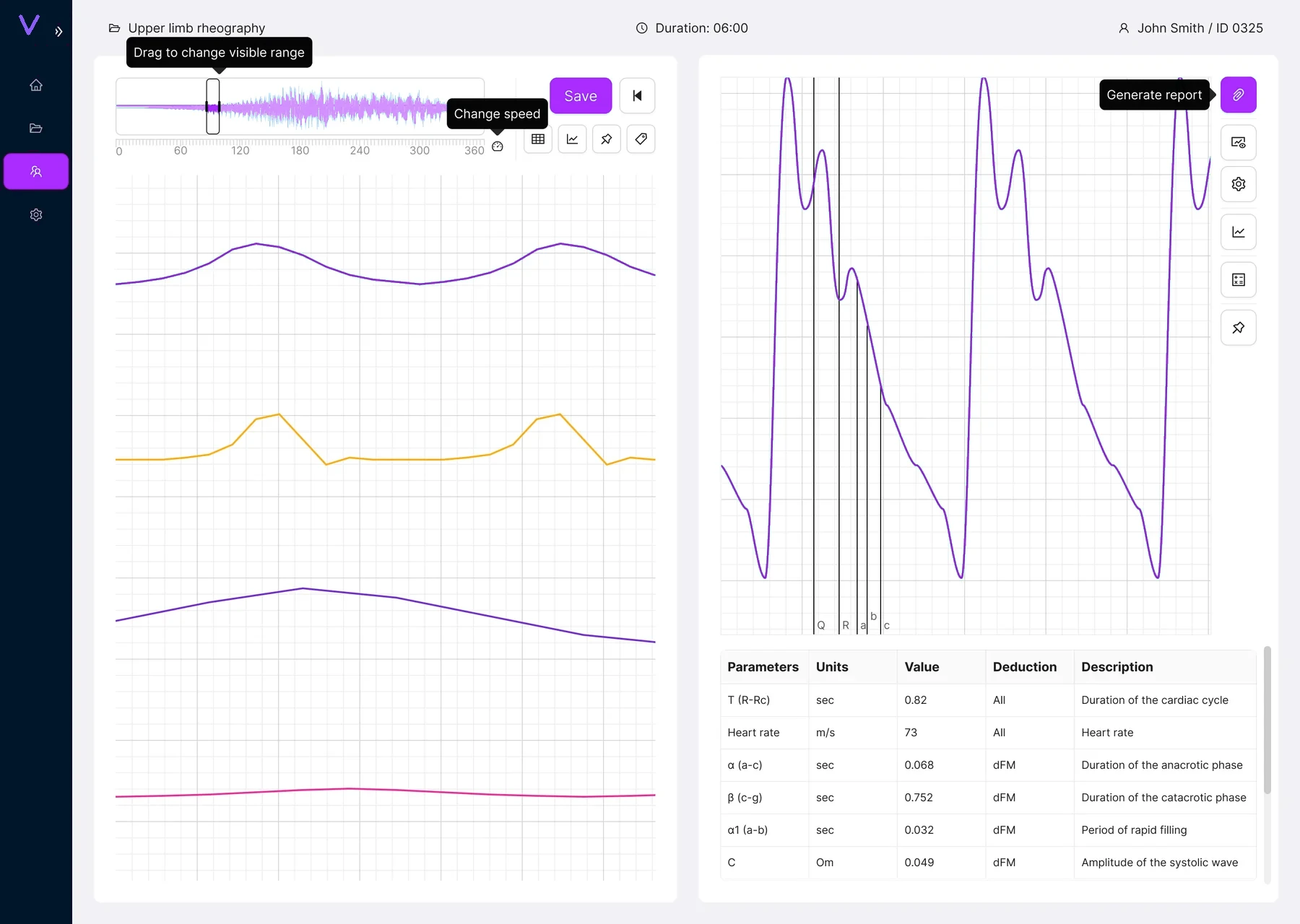
One workspace, several analytical modes
A few actions needed stronger guardrails
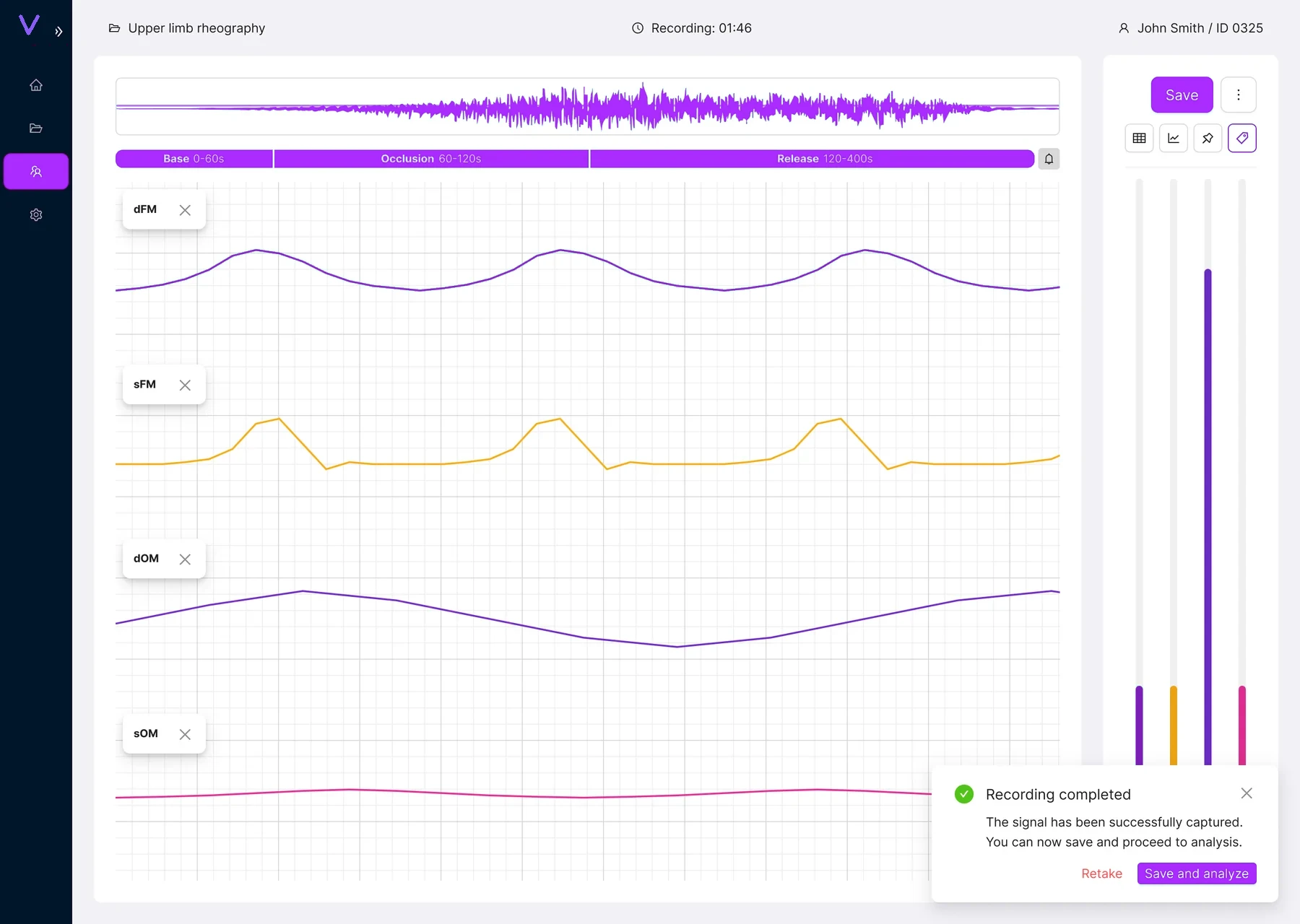
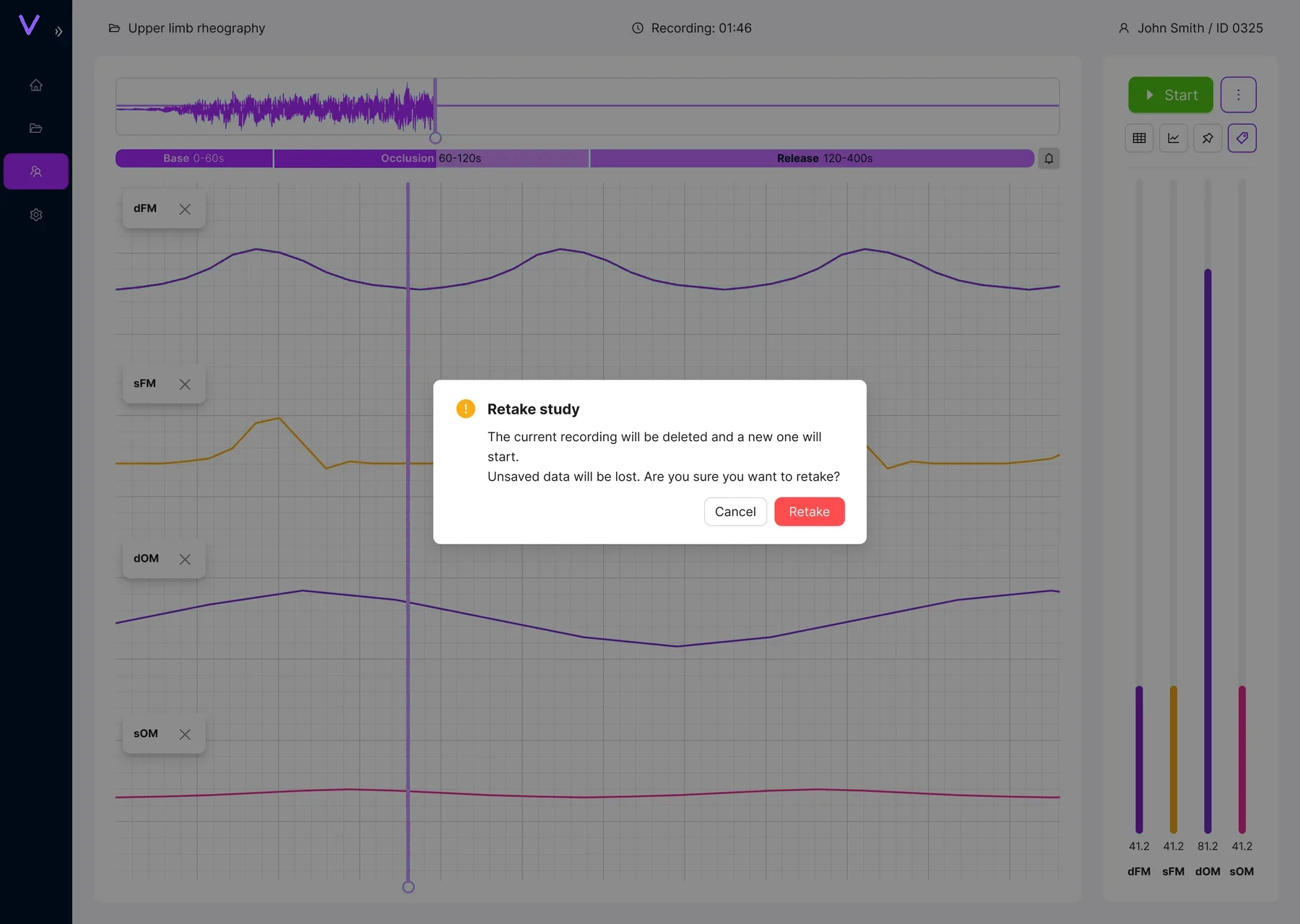
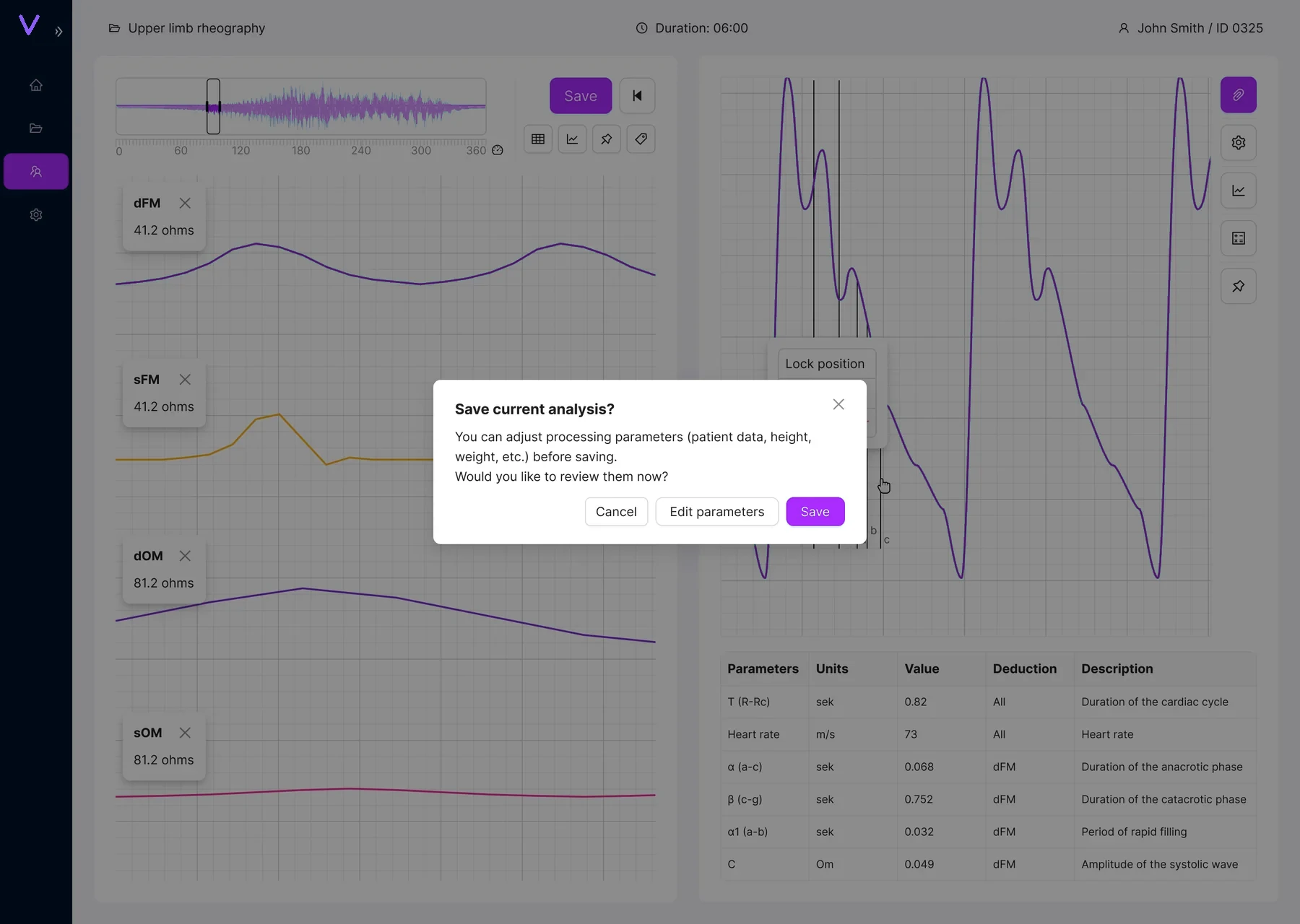
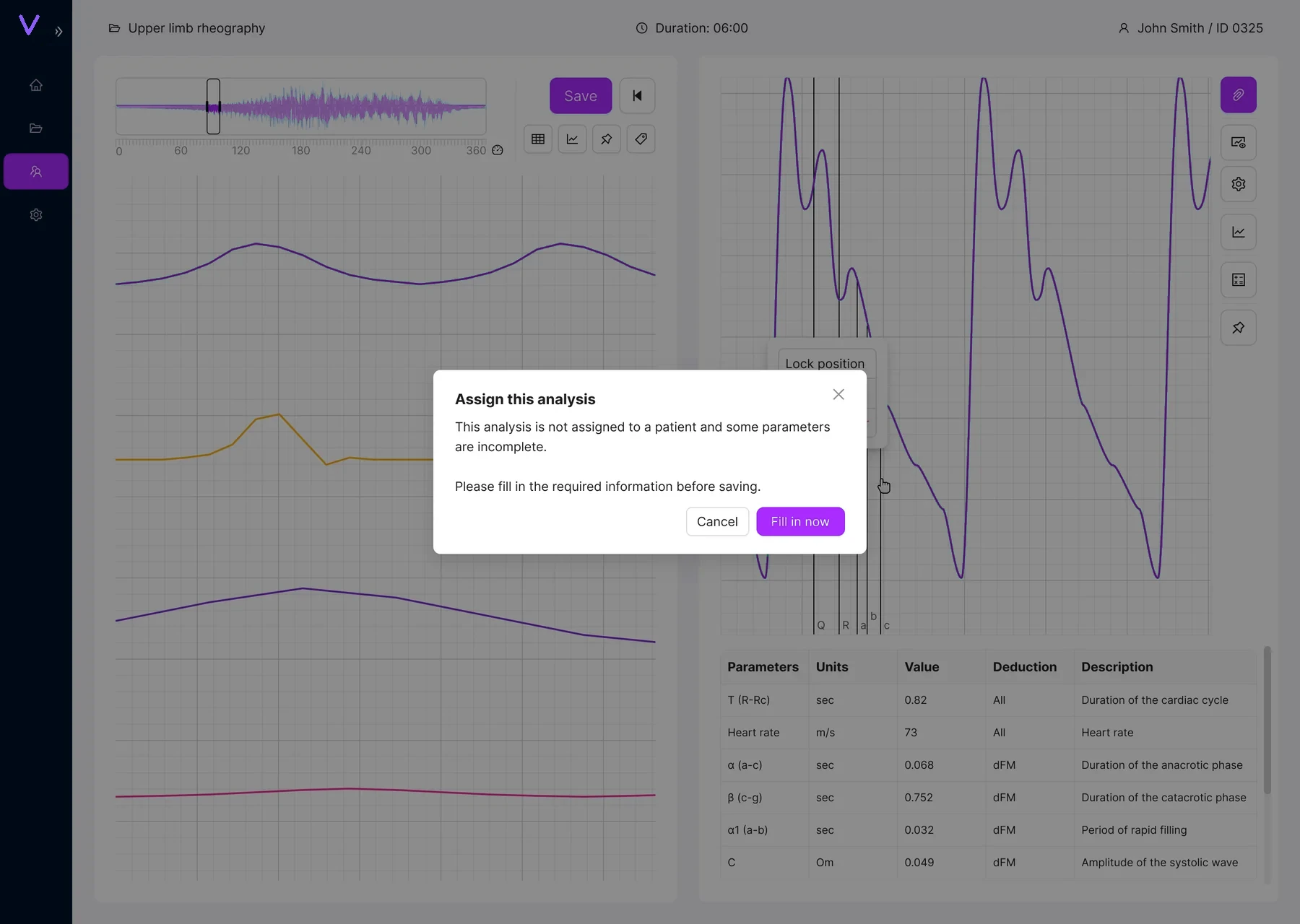
Retaking a study can delete a recording, and saving too early can leave the analysis incomplete. I added direct confirmations at those points, with the consequence and next action written out clearly.
The result is a workflow that feels like one product
The biggest change is structural. Patient management, setup, recording and analysis now follow the same interaction language, and advanced controls stay available where specialists expect them.
A clearer path through a very technical workflow
The interface gives the signal more space and makes the next step easier to understand, while the detailed tools are still there when needed.